Overlays that belong on your stream
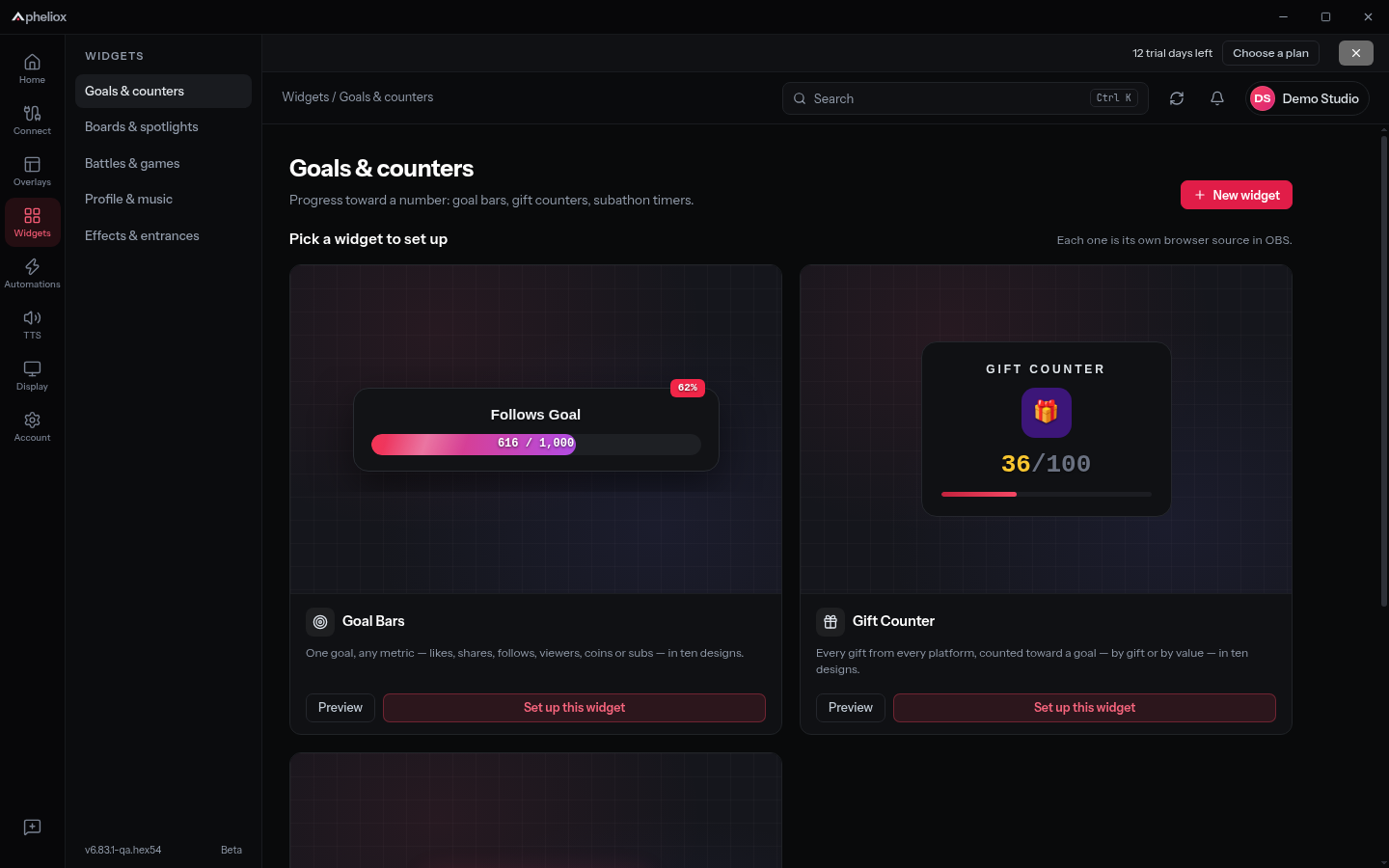
Put chat, alerts and recent events on screen. Pick from goals, counters, leaderboards, polls, timers and other widgets, then tune their look in the desktop app.
Your stream. More interactive.
Create overlays, trigger alerts and automations, and bring chat to life with local voices. Apheliox puts your interactive streaming tools together in one Windows app.
Windows 11 · Free account required · Currently in beta
Already have the app? Sign in or create your account.
What you get
Put chat, alerts and recent events on screen. Pick from goals, counters, leaderboards, polls, timers and other widgets, then tune their look in the desktop app.
Create automation rules that connect supported stream events to sounds, media and overlay effects. Check overlay outputs with sample events before going live.
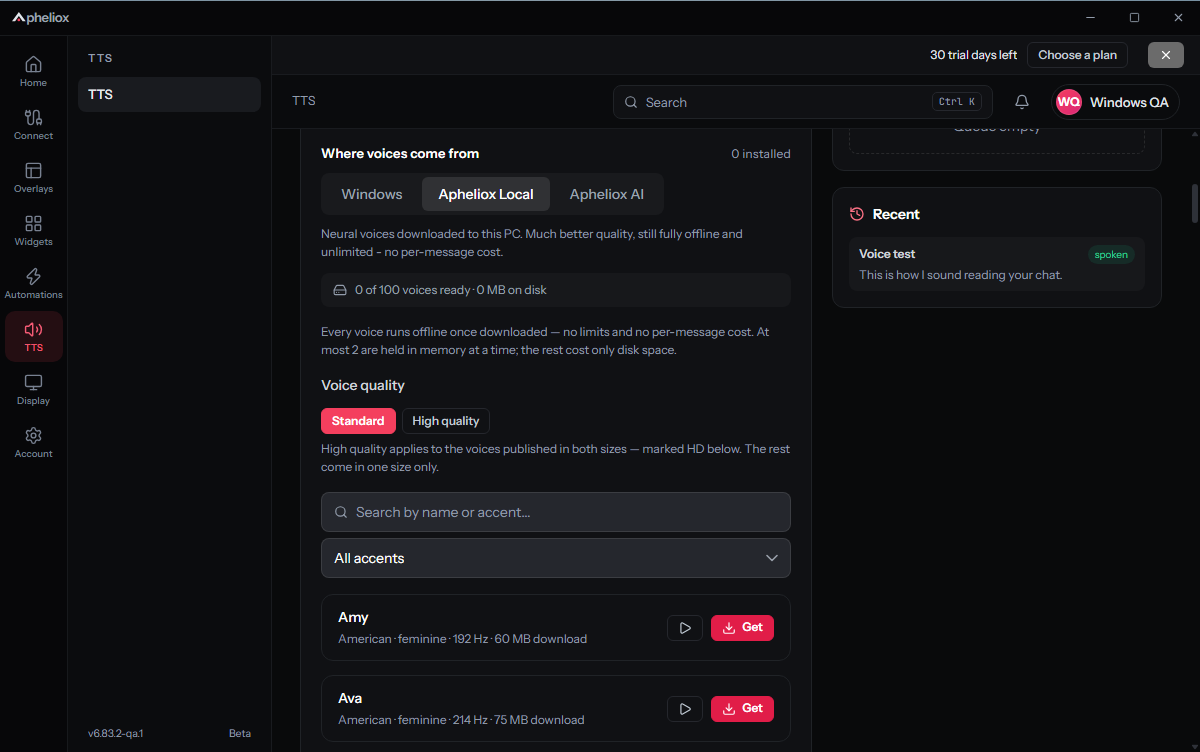
Choose local Windows or downloadable Piper voices, set who can speak and manage the queue. Optional hosted AI voices use your plan’s monthly character allowance.
How it works
Download Apheliox for Windows, create a free account and connect the app through your browser.
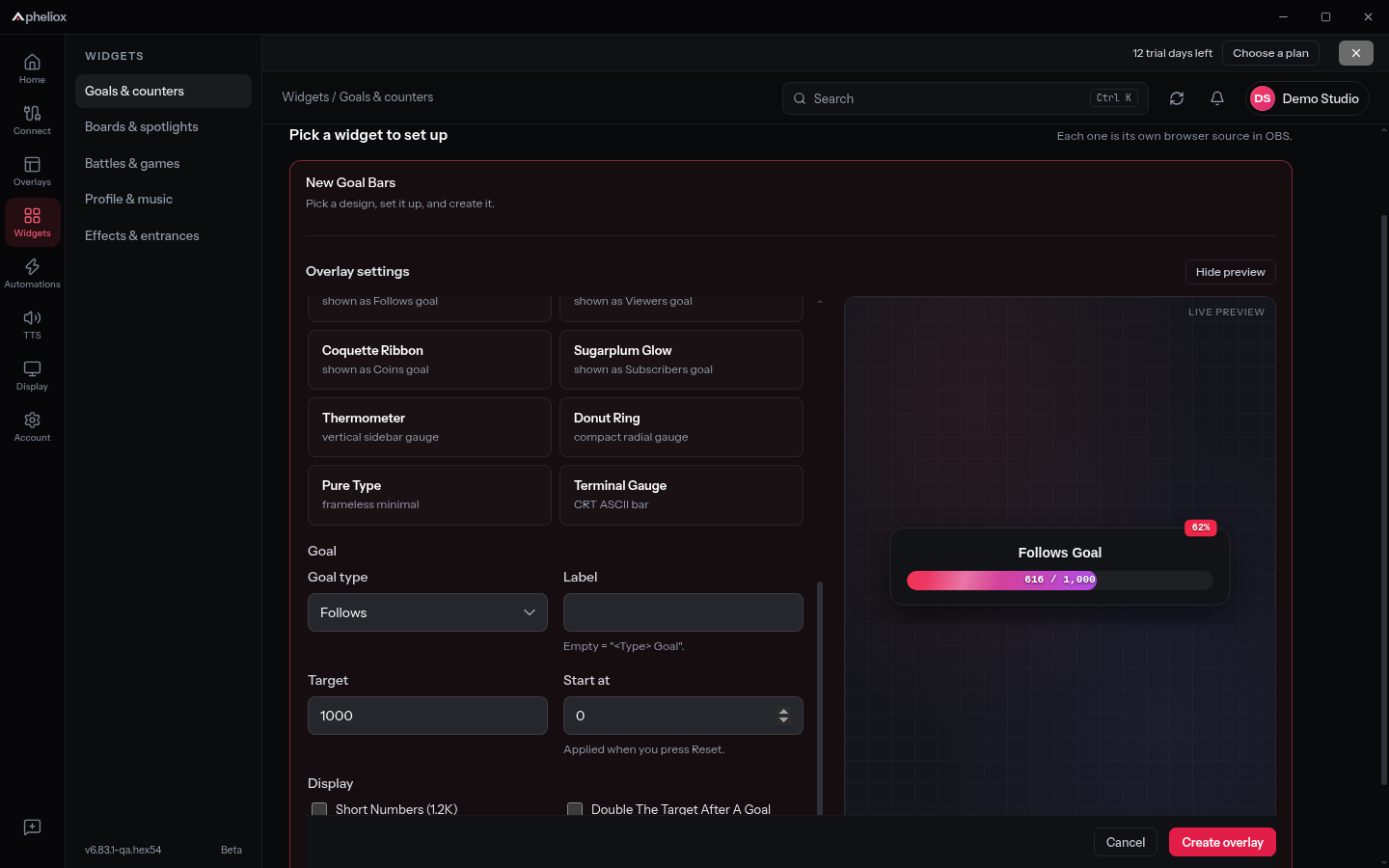
Choose your channels, add an overlay or widget, and set up the alerts, voices and automation rules you want.
Use test events to check your setup. Show a desktop overlay or connect the supported output to an OBS browser source.
Connect channels on TikTok, Twitch, Kick and YouTube. Available events and interactions vary by platform, account access and provider requirements. The app shows connection status and any sign-in or verification steps.
Pricing
Start with a 30-day trial, then keep using Starter for free or choose more capacity. No credit card is required for the trial.
Start creating with the Windows desktop app.
More room for your desktop stream setup.
or $49/year
Desktop capacity and collaboration for larger teams.
or $299/year
The trial includes 1,800 hosted AI voice characters per month. Other overlays and widgets share one slot allowance; it is not a separate allowance for each type. Local voices do not use hosted AI characters.
Prices in USD. Cancel anytime from the billing portal.
The web dashboard keeps monitoring, searchable chat history, keyword alerts and exports available alongside the desktop tools. Retention and monitoring capacity depend on your plan.
Open the web dashboard